Data Collections
- In the Assembly operation, select More and then select Data Collection.
- Select DC 1 and then type Wheel Diameter Checks.
-
In the Wheel Diameter Checks data collection, do the following:
- Select More and then select Data Collection Details.
-
Select Part Family-Feature-Operation, expand Assembly Features- 04 - Wheel Assembly (1), and select Wheel Diameter / Wheels.
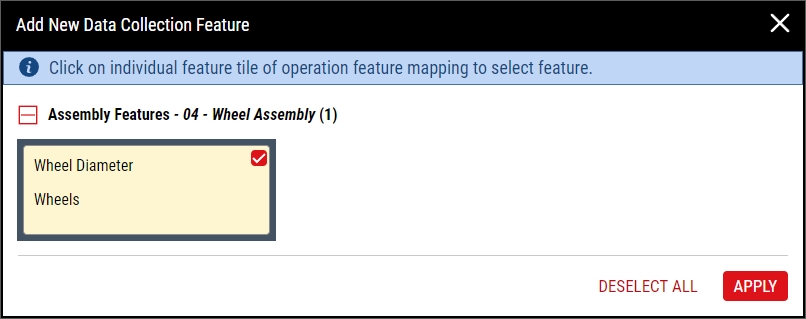
- Select Apply and then select Apply.
- Select Save.



Next Step: Collecting Data