Process Models
- Select Access Menu and then select Data Collection | Process Models.
-
In the Process Models landing page, select Create Process Model.
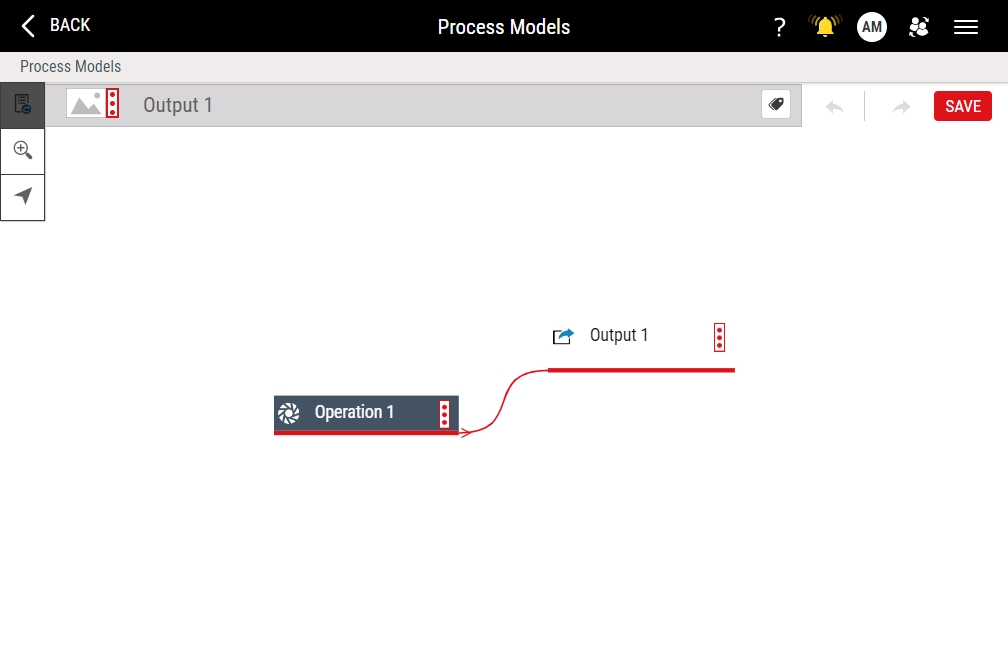
- Select the process model name (Output 1) and then type 04 - Wheel Assembly.
-
In the operation, do the following:
- Select Operation 1 and then type Assembly.
- Select Output 1 and then type Wheels.
-
In the Wheels output part family, do the following:
- Select Save.



Next Step: Operation Details