Collecting Data
- Select Access Menu and then select Dashboard.
-
(If necessary) In the dashboard, select Select Dashboard, and then select Work Dashboard.
-
Select Rim Checks.
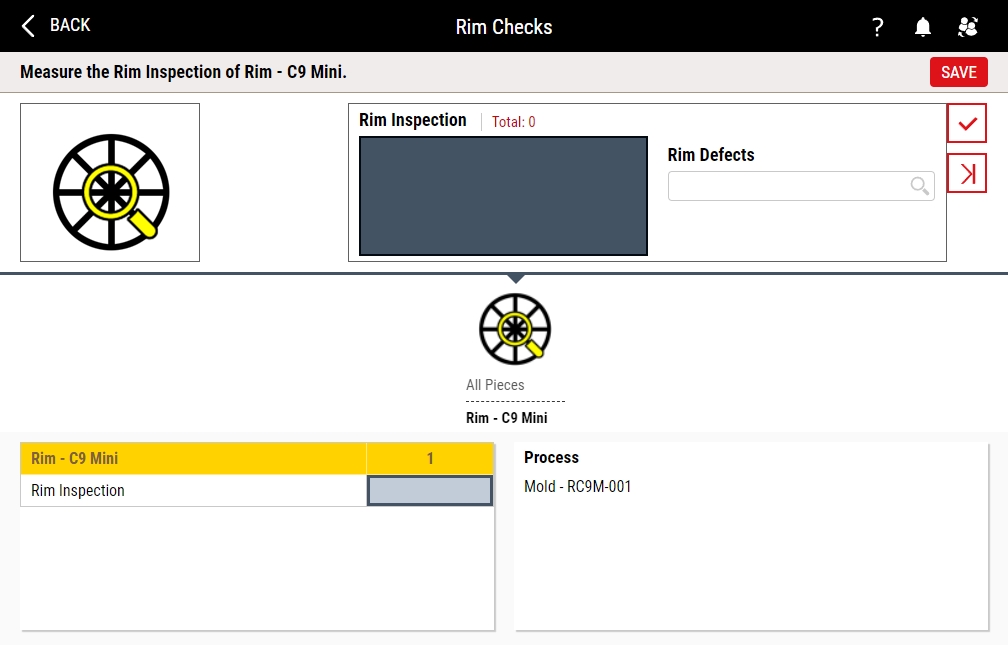
- In the Rim Inspection data field, type 1 and press ENTER, and in the Rim Defects drop-down list, select Burr, and press ENTER.
- Repeat the above step for 3 and Incorrect Spokes.
- Select Save.



Next Step: C9 Tutorial 2