Removing Data Collection Requirements
Using this procedure, you will remove the existing data collection requirement.
- Select Access Menu and then select Data Collection | Data Collection Configurations.
-
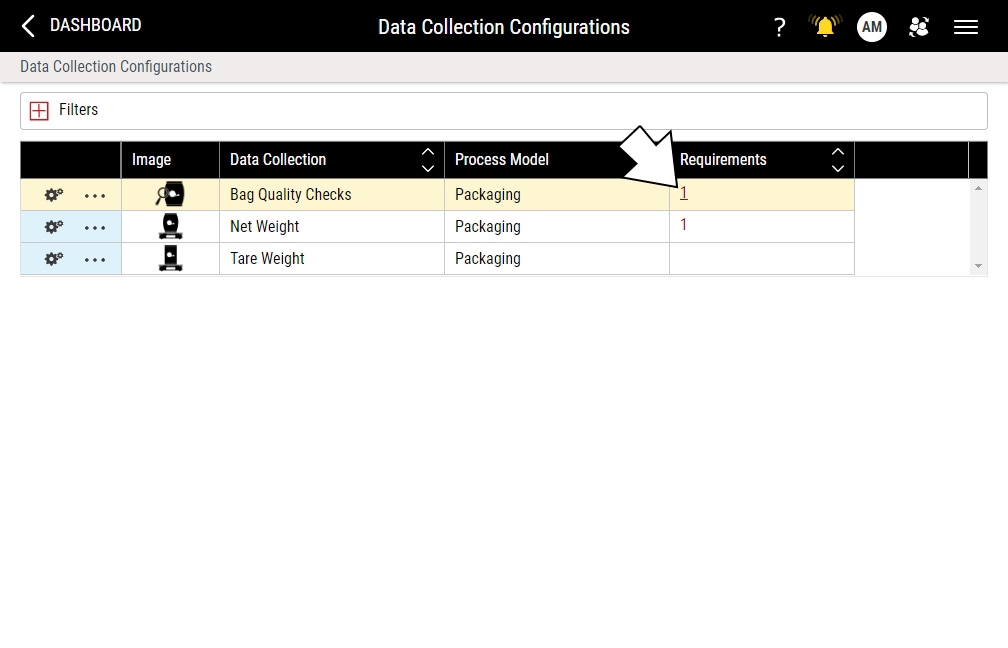
In the Data Collection Configurations landing page, locate the Requirements column.
-
In the Requirements column, select the counter for the desired data collection configuration.
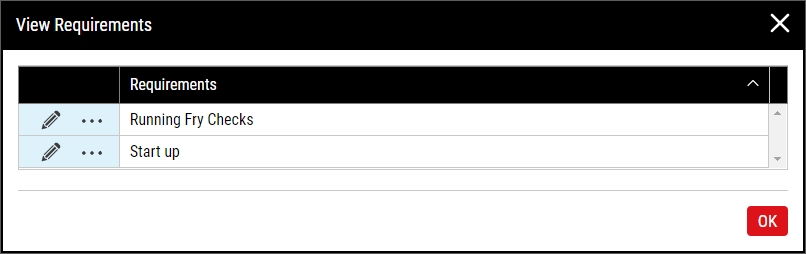
- In the View Requirement dialog box, select More and then select Remove. In the Remove Data Collection Requirement dialog box, select OK.


