Previewing Checklists (Create)
Using this procedure, you will preview the new checklist.
- Select Access Menu and then select Data Collection | Checklists.
-
In the Checklists landing page, select Create Checklist.
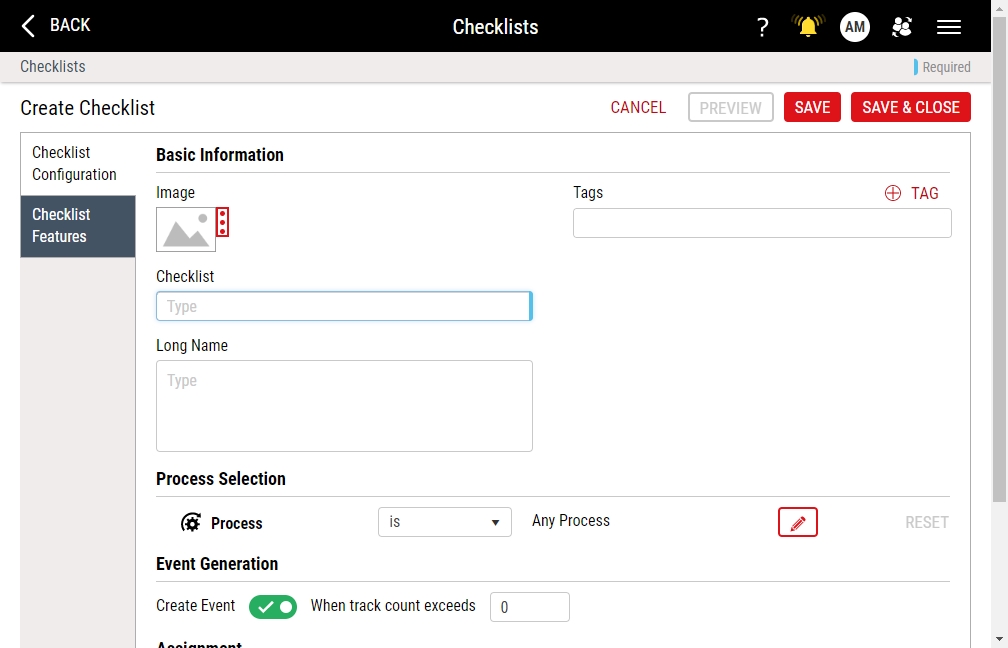
To preview your new checklist, you must add at least one feature under the Checklist Features tab.
-
In the checklist edit page, select Preview.
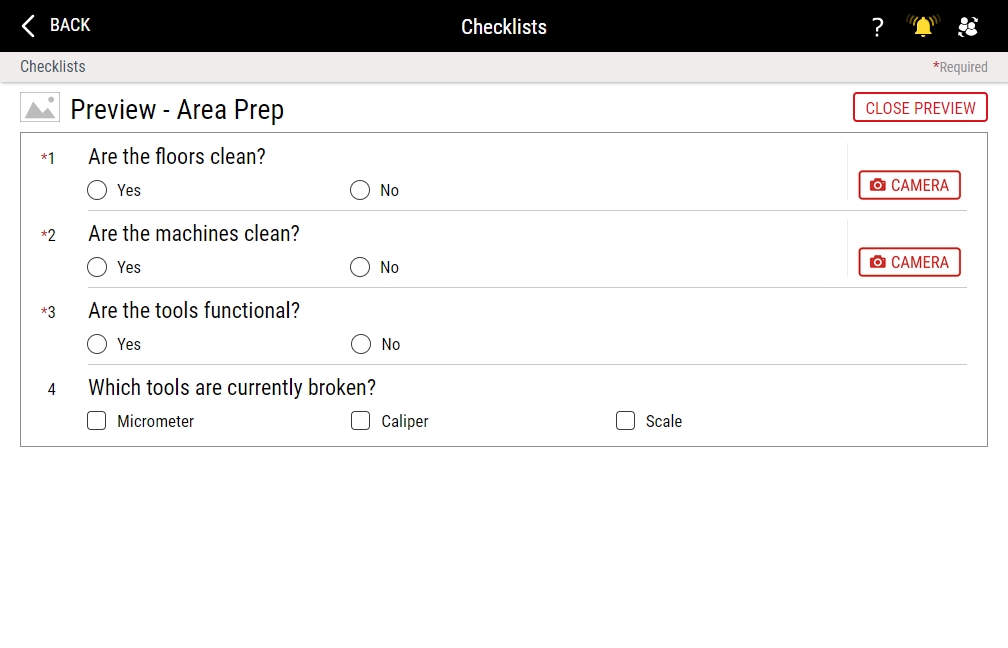
You may interact with the checklist by selecting radio buttons, selecting checkboxes, and typing comments, as desired. Enact will not save your selections or comments in the Preview page.
- Select Close Preview.
