Quick Setup
Using Quick Setup, you can quickly and easily start configuring Enact, without having to follow several tutorials and work with an InfinityQS engineer to develop a Proof of Concept. If you want to immediately enter data and view that data on charts and reports, you can use the Quick Setup to start right now.
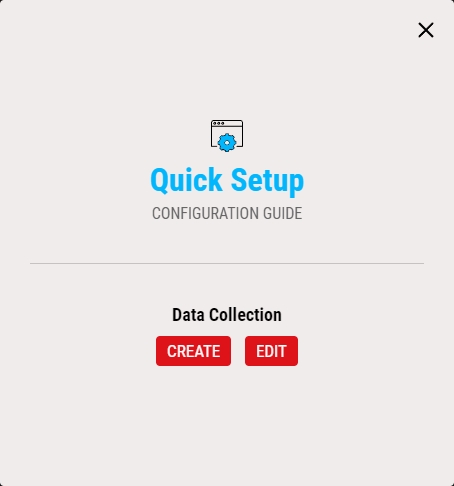
When you first log into Enact, the Quick Setup wizard automatically opens, guiding you through the creation and design of your new system, including your data collection, parts, features, processes and even manufacturing limits. Alternatively, you can always launch Quick Setup from the Access Menu.

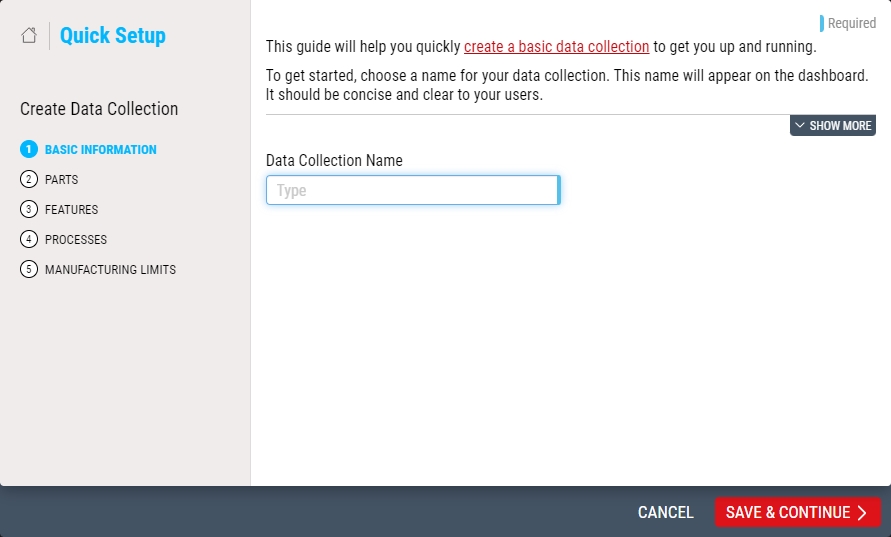
At any time, you can create a new process model and simple data collection, or you can edit an existing data collection that is compatible with Quick Setup, which means the following:
-
All features reference the same operation
-
All features reference the same part family
-
All features have the same sample size
-
All processes are at Level 6 and belong to the same department
You can edit any data collection, and not just ones created using Quick Setup, but only if the data collection meets the requirement above.
While editing a data collection using Quick Setup, you can remove parts, features, processes or manufacturing limits, but this only removes them from the data collection, and does not delete them from Enact database.

Next Step: Starting Quick Setup