Viewing EIS Configuration Activity
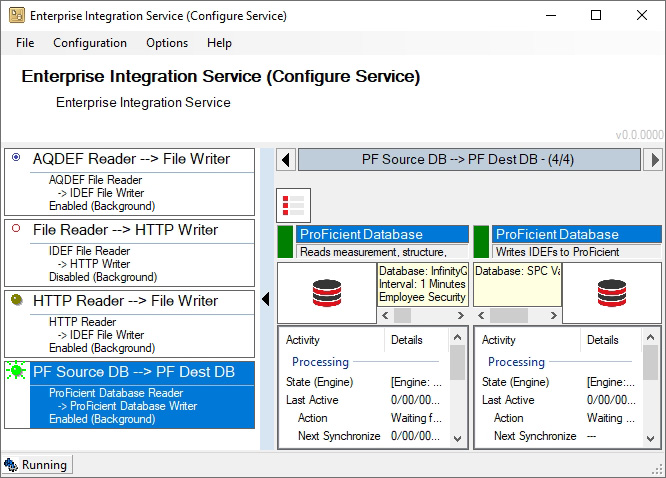
During operation, you can open an EIS activity screen to monitor reader and writer names, document types, start time, service status (Running / Stopped), last configuration error, next scheduled process, last save time, IDEF statistics, and status messages (if any). To view the activity screen, do the following:
-
In the EIS Browser, click the desired EIS configuration.
-
To view the EIS activity, examine the right side of the EIS Browser.
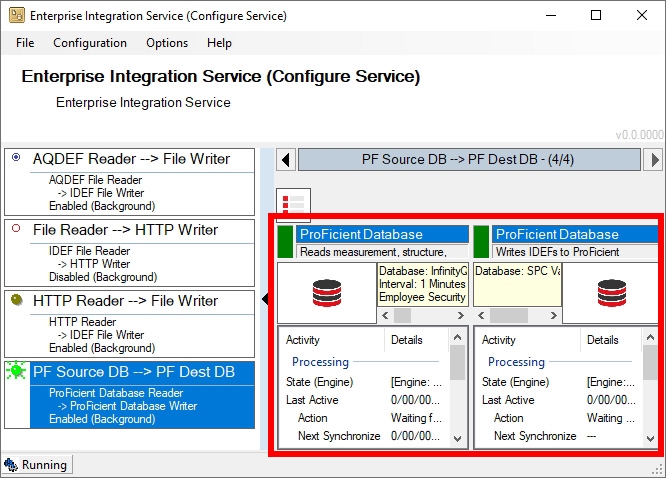
To expand the activity section, click the
 Expand button.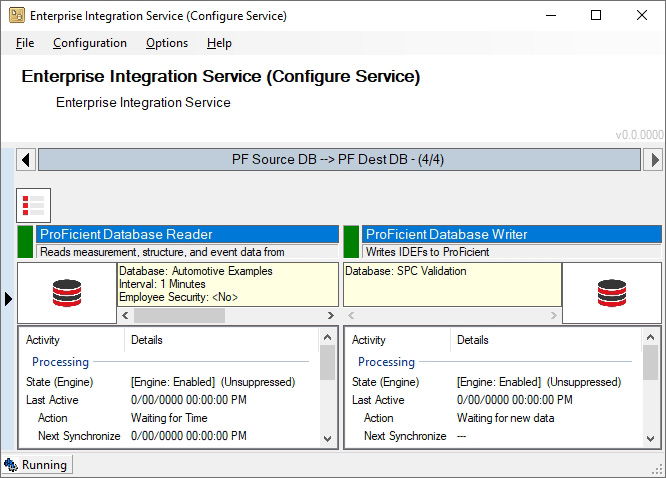
To collapse the activity section, click the
 Collapse button.