Starting Quick Setup
When you first log into Enact, the Quick Setup wizard automatically opens.
-
Select Access Menu, select Quick Setup.

-
To start Quick Setup, do one of the following:
-
Create
-
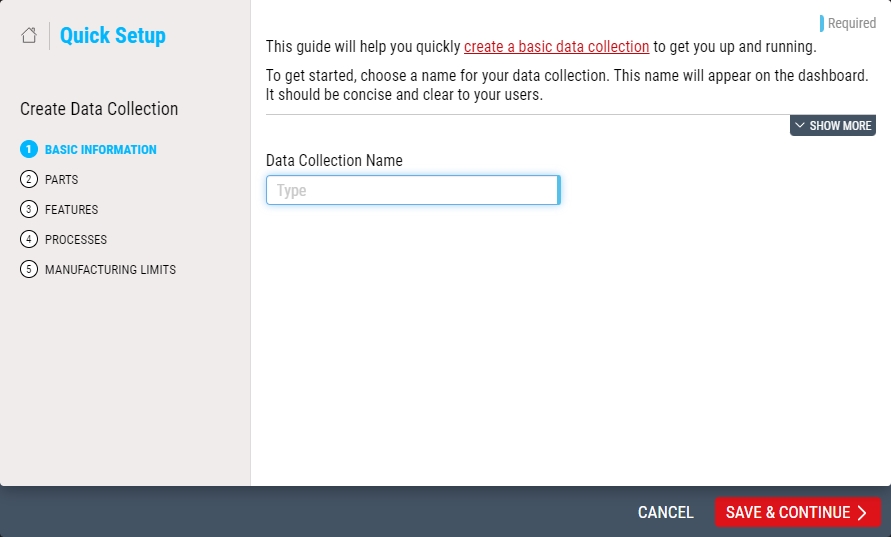
To create a new process model and data collection, select Create.
-
In the Data Collection Name data field, type the name of the data collection.
-
-
Edit
-
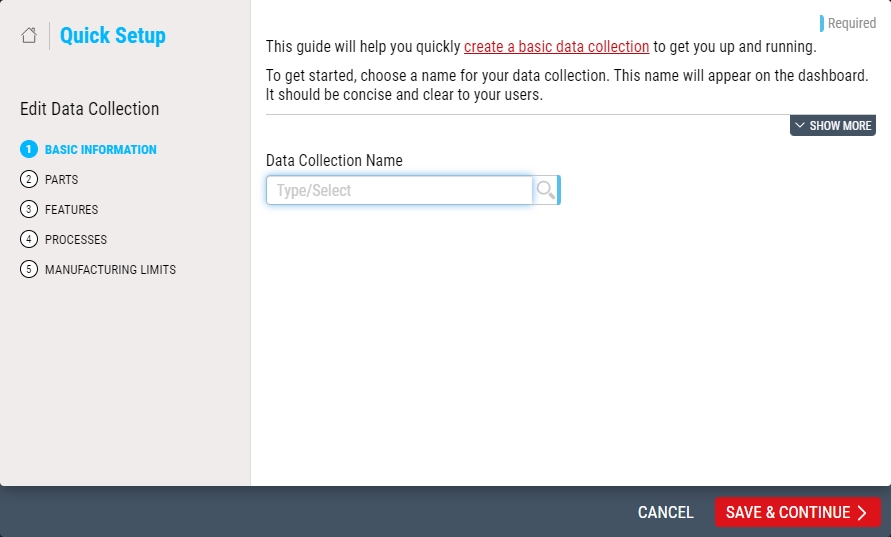
To edit an existing data collection, select Edit.
-
In the Data Collection Name drop-down list, select the desired data collection. Hint

-
-
-
Select Save & Continue.


Next Step: Quick Setup - Parts