Creating Language Labels (Process Models)
Using this procedure, you will add localized versions of Process Model data fields in Enact-supported languages.
- Select Access Menu and then select Data Collection | Process Models.
- In the Process Models landing page, select More and then select Language Label.
-
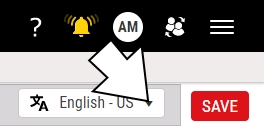
In the language drop-down list, select the desired language.
-
In the language label data fields, type the localized values, including the process model name, each operation name, each input part family name, each output part family name, and each data collection name.
In the upper left corner of the language data field, Enact displays a highlighted counter of the number of language labels you have created.
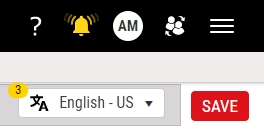
Also, in the drop-down list, Enact displays a check mark beside the languages with language labels.
 More Information
To localize the data fields in the process model language label page to German, do the following:
- In the language drop-down list, select German - Germany.
- Select the 03 - Rim Injection Molding process model name and then type 03 - Felgen-Spritzguss.
- Select the Molding operation and then type Spritzguss.
- Select the Plastic Resin Pellets input part family and then type Kunststoffgranulat.
- Select the Rims output part family and then type Felgen.
- Select the Rim Checks data collection and then type Felgenprüfungen.
-
Examine the results:
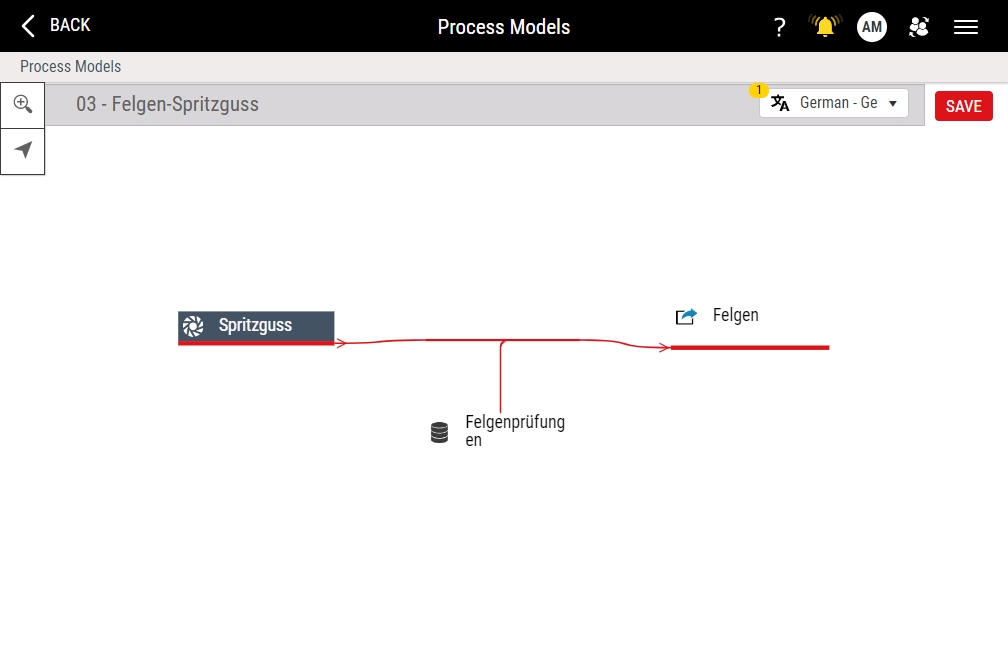
- Select Save.


