Managing Role Permissions for Master Data Import
Permissions for master data import can be configured by selecting/deselecting Master Data | Import option under Keyword-Oriented Alignment. For more information, see Creating Roles.
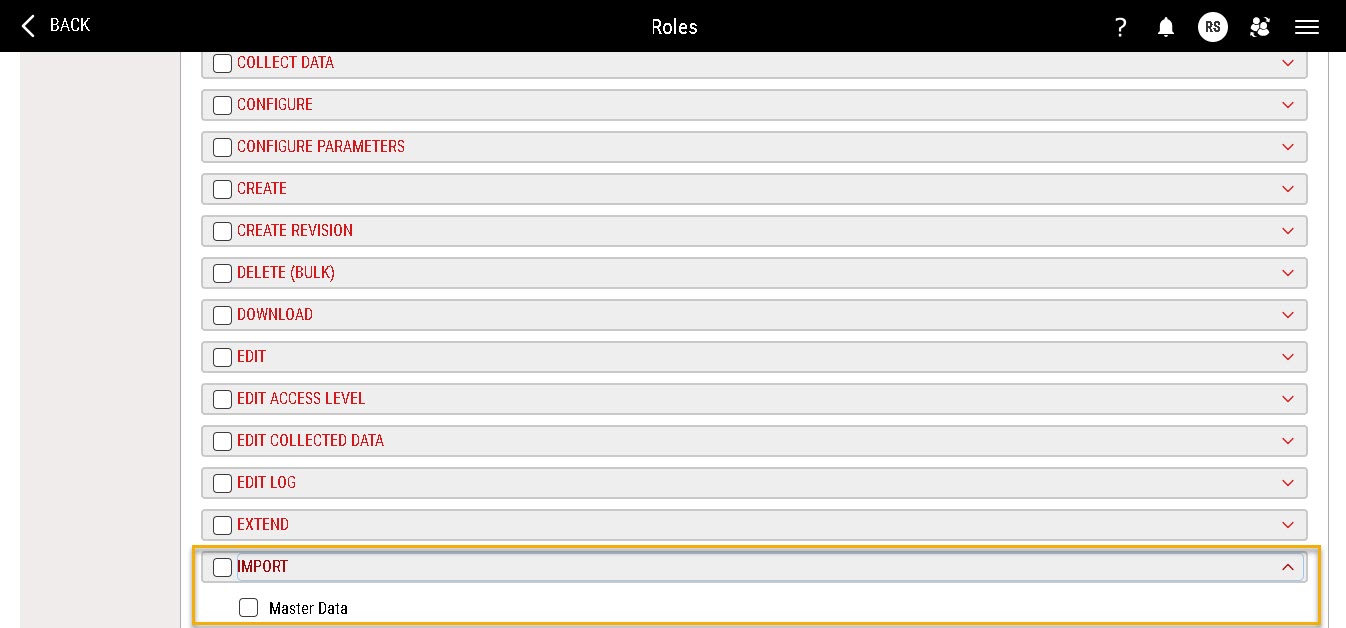
Same permissions can be configured by by selecting/deselecting Import | Master Data option under Action-Oriented Alignment.
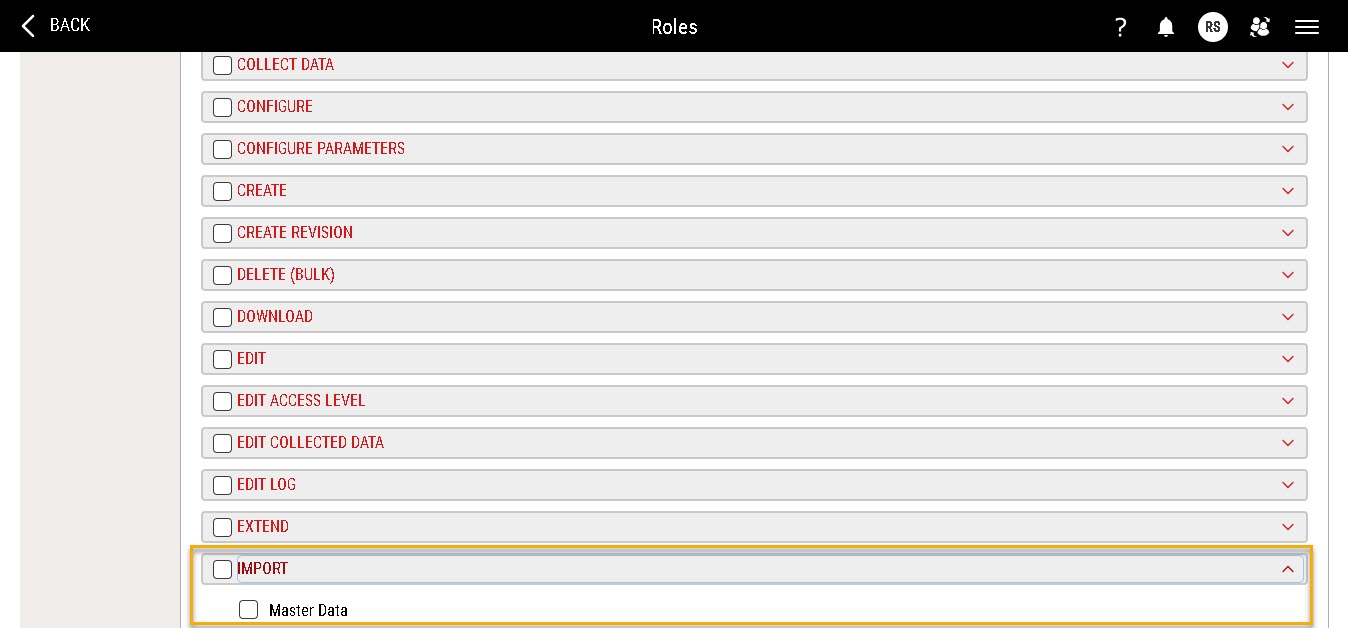
Enabling these options for a role grants users with that role access to Data Management | Master Data Import under the Access Menu. Disabling the options, restricts users from using the upload functionality and downloading the blank data import template file. The Upload and Download options on the Master Data Import page remain inactive for such users.

Users without the above permissions can still access the View Upload Status page.
Granting Role Permissions
When you select the Master Data | Import option under Keyword-Oriented Alignment, a confirmation message pop up appears displaying associated items for which create permissions are to be activated.
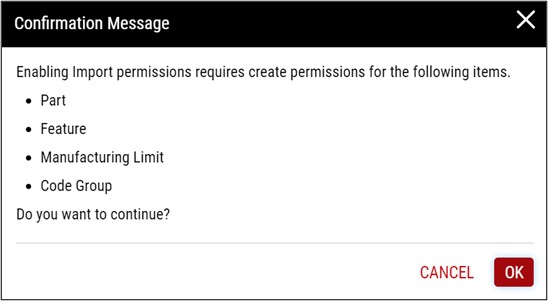
The confirmation message pop up only displays items where create permission is not already enabled.
Click X or Cancel on the confirmation message pop up, or click anywhere outside the pop up to close the pop up and deselect the Master Data | Import option under Keyword-Oriented Alignment.
Click Ok on the confirmation message pop up to select the Master Data | Import option under Keyword-Oriented Alignment and all associated create permissions (for part, feature, ML, code group, response group, and tag group) displayed on the confirmation message pop up.
Click Save on the Create Role page to save these changes.
If you navigate away from the Create Role page without clicking Save, the permissions list for the role is not updated.
Revoking Role Permissions
When you deselect the Master Data | Import option under Keyword-Oriented Alignment, a confirmation message pop up appears displaying a warning that import permission will also be revoked if you proceed.
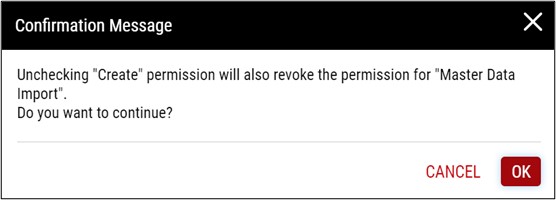
Click Ok on the confirmation message pop up to deselect the Master Data | Import option under Keyword-Oriented Alignment and revoke all associated create and import permissions.
Click Save on the Create Role page to save these changes.