Creating Language Labels (Data Collection Configurations)
Using this procedure, you will add localized versions of Process Model data fields in Enact-supported languages.
- Select Access Menu and then select Data Collection | Process Models.
- In the Process Models landing page, select More and then select Language Label.
-
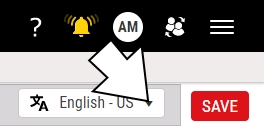
In the language drop-down list, select the desired language.
-
In the language label data fields, type the localized value for the data collection names.
In the upper left corner of the language data field, Enact displays a highlighted counter of the number of language labels you have created.
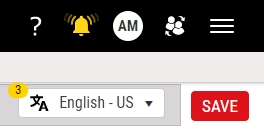
Also, in the drop-down list, Enact displays a check mark beside the languages with language labels.
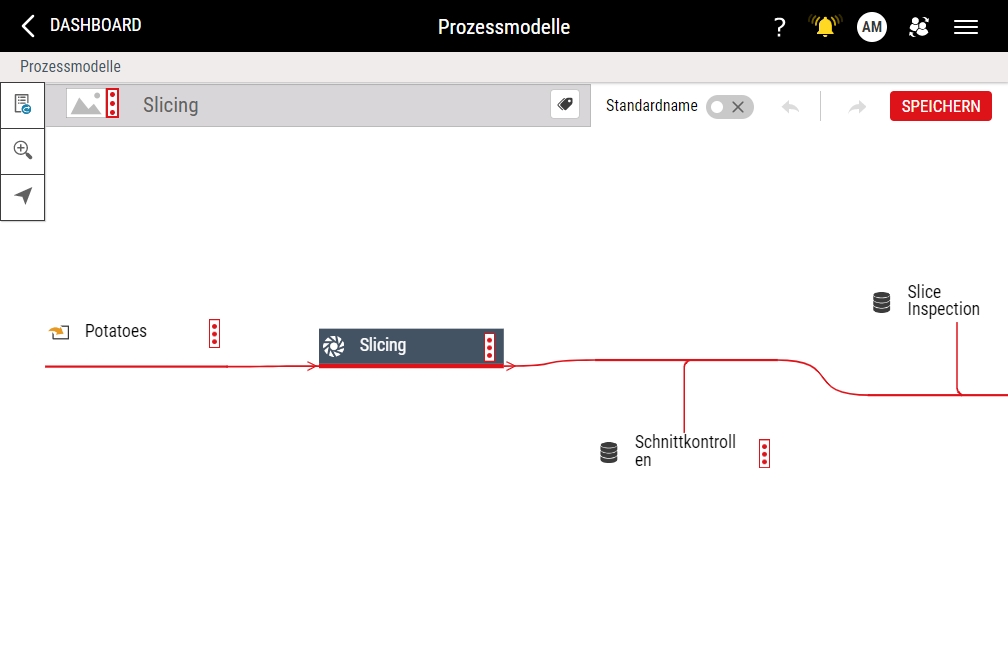
To localize the data collection name to German, select the Slicing Checks data collection and then type Schnittkontrollen.
- Select Save.


